7.3. Creating a Role
Body
Goal
Create a Vendor role to allow some - but not all - users to perform specific tasks.
Prerequisite knowledge
Steps
- In the Manage administrative menu, navigate to People > Roles (admin/people/roles).
You will find default roles Anonymous user, Authenticated user, and Administrator already present.
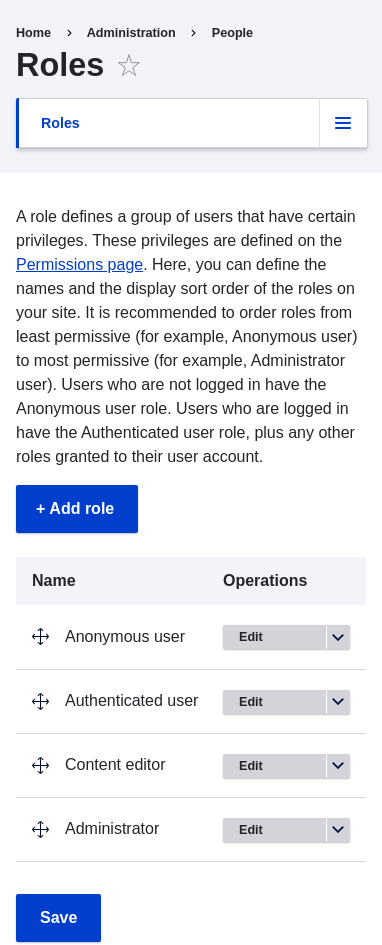
- Click Add Role to add a custom role.
Type Vendor in the Role name field. Click Save.
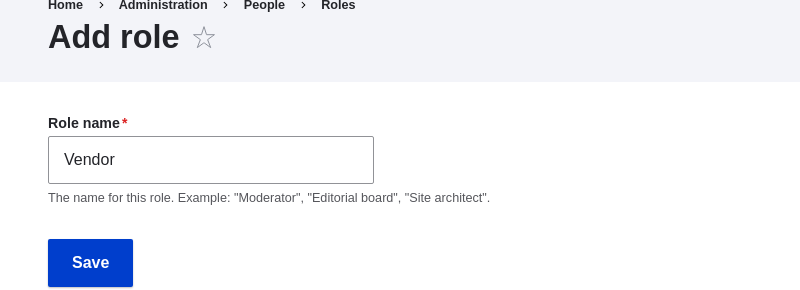
You will see the message "Role Vendor has been added." displayed at the top of the page.

Expand your understanding
Knowledge Category