7.5. Assigning Permissions to a Role
Body
Goal
Change the permissions for the Vendor role so that users can create, edit, and delete Recipe and Vendor content, format the content, and contact each other.
Prerequisite knowledge
Site prerequisites
The Vendor role must exist on your site. See Section 7.3, “Creating a Role”.
Steps
- In the Manage administrative menu, navigate to People > Roles (admin/people/roles). The Roles page appears.
- Click Edit permissions in the dropdown for the Vendor role. The Edit role page appears where you can see all the available actions for the website such as, for example, Post comments or Administer blocks. The available permissions depend on the modules that are installed in the site. Note: Some permissions may have security implications. Be cautious while assigning permissions to roles.
Check the boxes for the following permissions, listed by module:
Module Permission Contact
Use users' personal contact forms
Filter
Use the Restricted HTML text format
Node
Recipe: Create new content
Node
Recipe: Edit own content
Node
Recipe: Delete own content
Node
Vendor: Edit own content
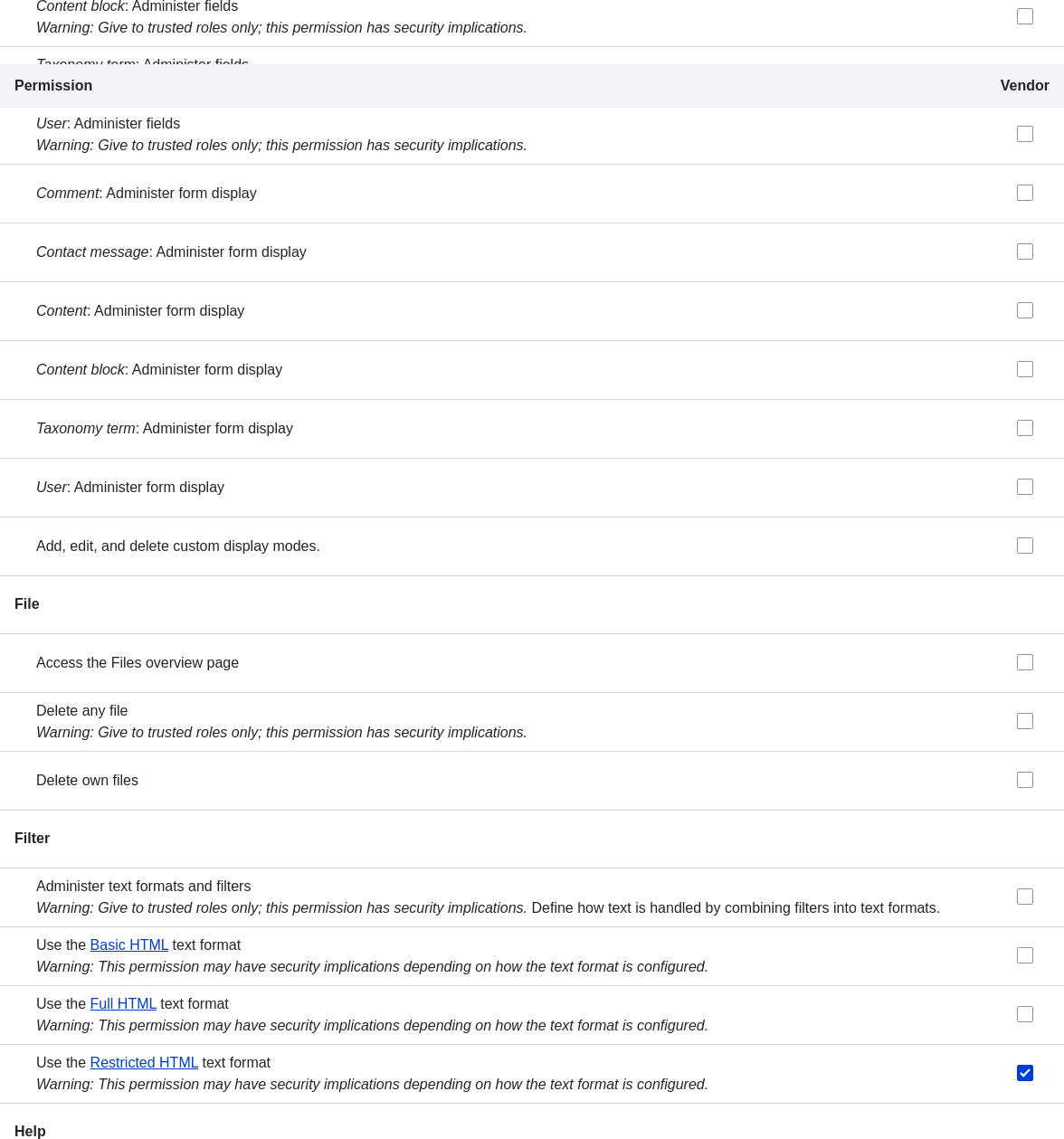
Click Save permissions. You will get a message saying your changes have been saved.

Expand your understanding
- Log in as one of the new users you created in Section 7.4, “Creating a User Account”. Verify whether you have the correct permissions.
- Section 7.6, “Changing a User’s Roles”
Related concepts
Knowledge Category