8.2. Creating A Custom Block
Body
Goal
Create a block showing the hours and location of the farmers market.
Prerequisite knowledge
Steps
- In the Manage administrative menu, navigate to Content_ > Blocks (admin/content/block).
- Click Add content block. The Add content block page appears.
Fill in the fields as shown below.
Field name Explanation Example value Block description
Name of the block shown to administrators
Hours and location block
Body
Content of the block when it is displayed
Open: Sundays, 9 AM to 2 PM, April to September<br />Location: Parking lot of Trust Bank, 1st & Union, downtown Anytown.
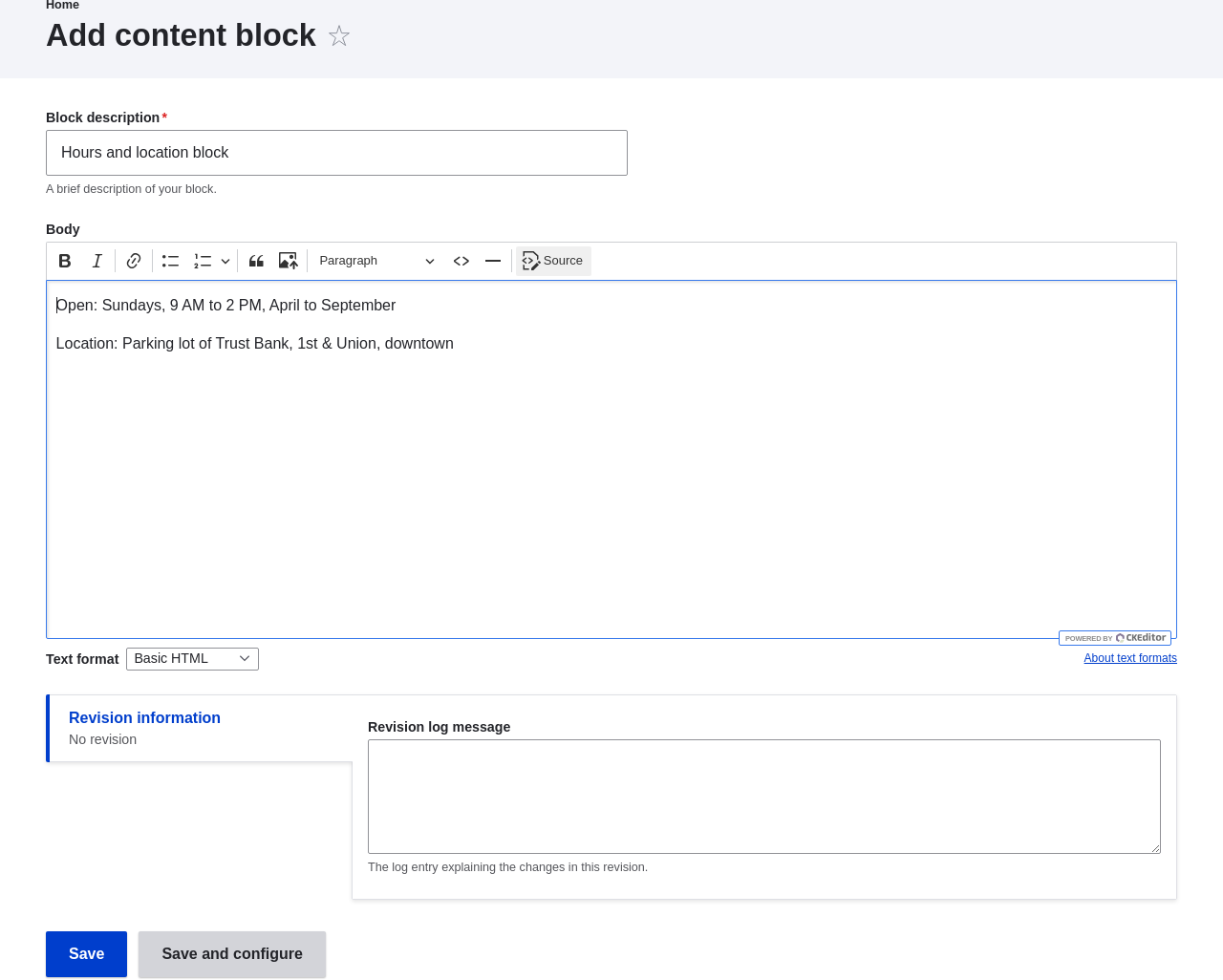
- Click Save. A message appears indicating the block has been saved.
Expand your understanding
- Edit the content of your custom block. In the Manage administrative menu, navigate to Content > Blocks (admin/content/block). Find your block in the list and click Edit to make changes.
- Place the block you created in the sidebar. See Section 8.3, “Placing a Block in a Region” for details.
Knowledge Category